
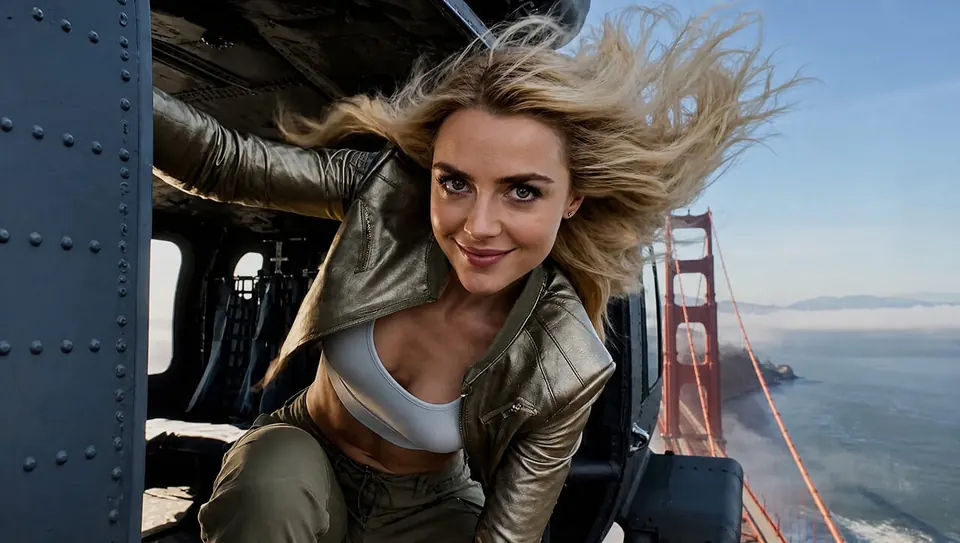
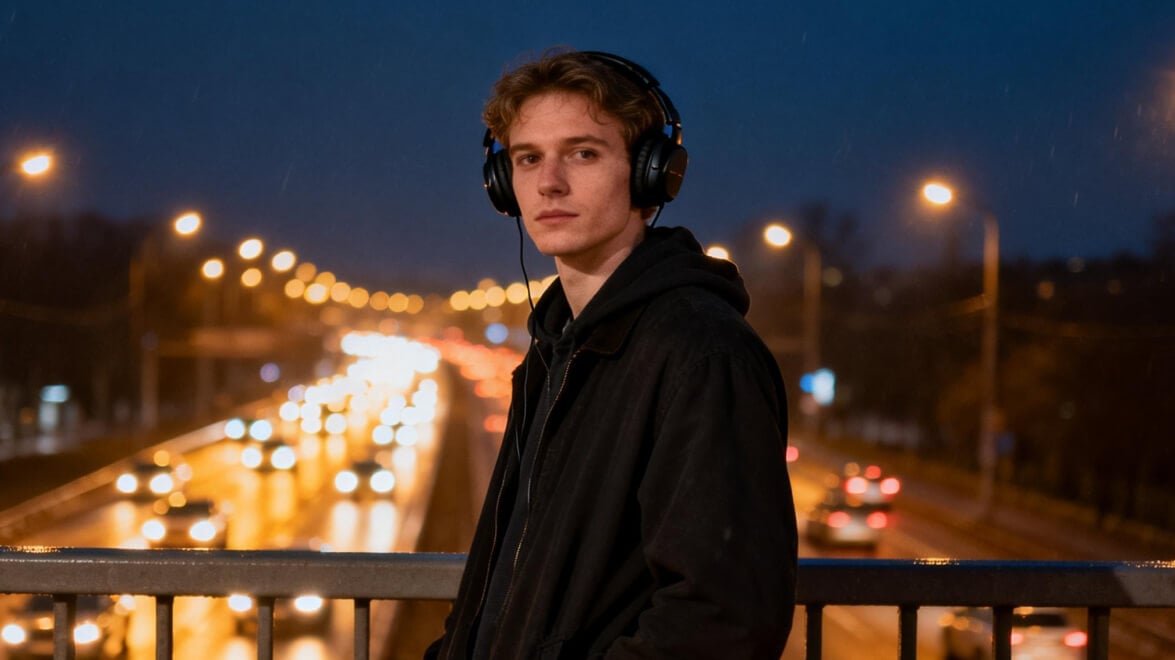















Text to image · Reference images · API access

minimax h3 image From prompt to picture

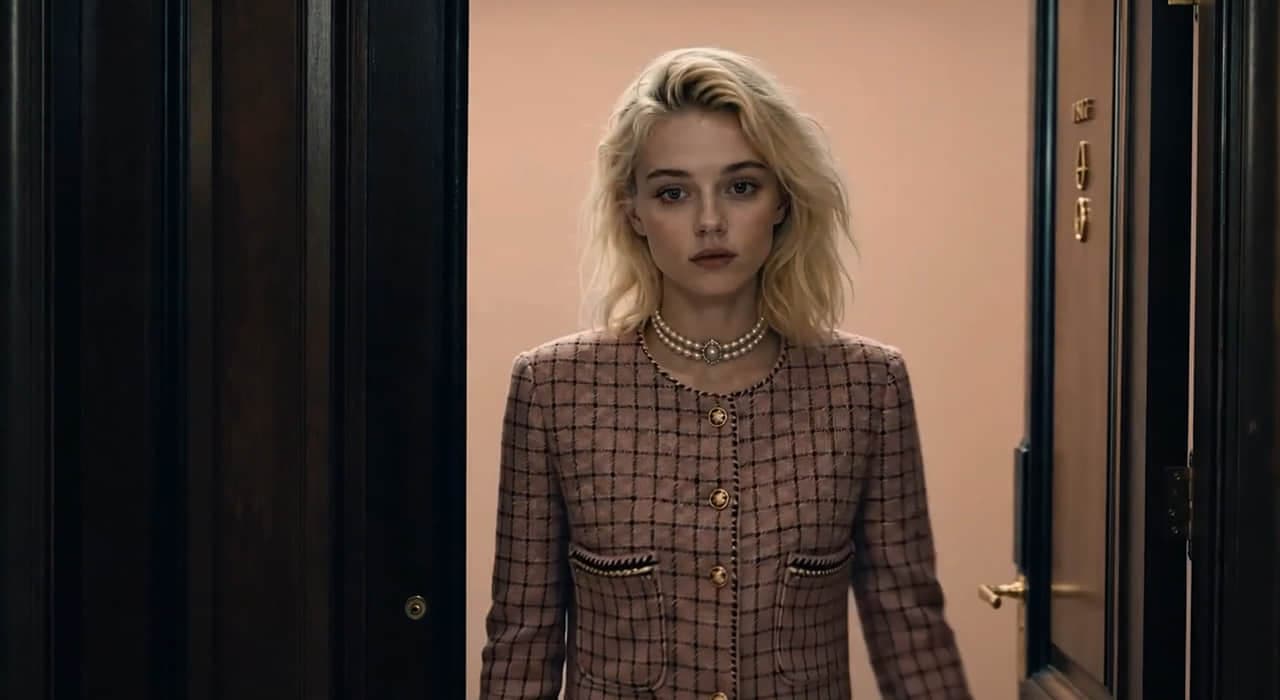
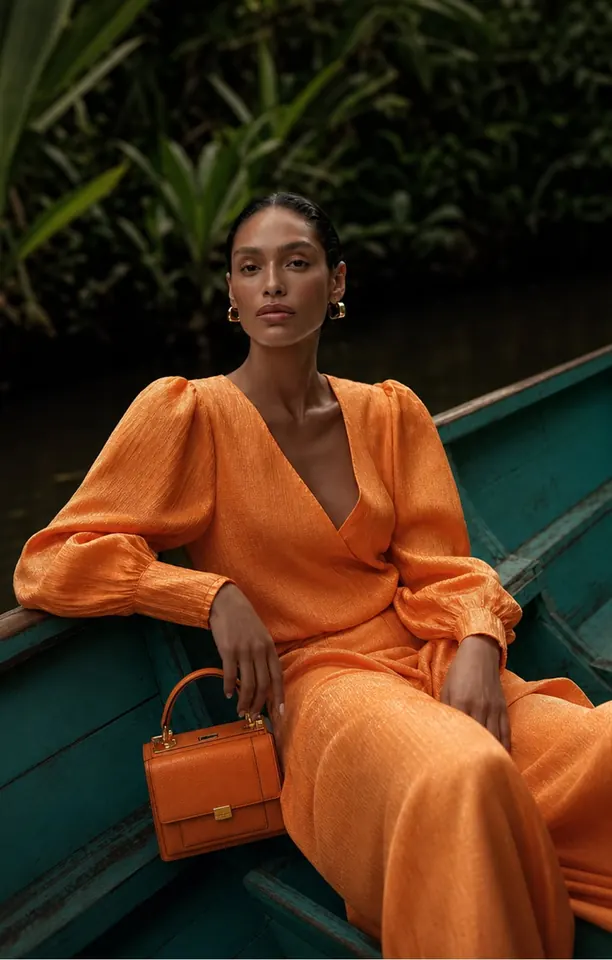
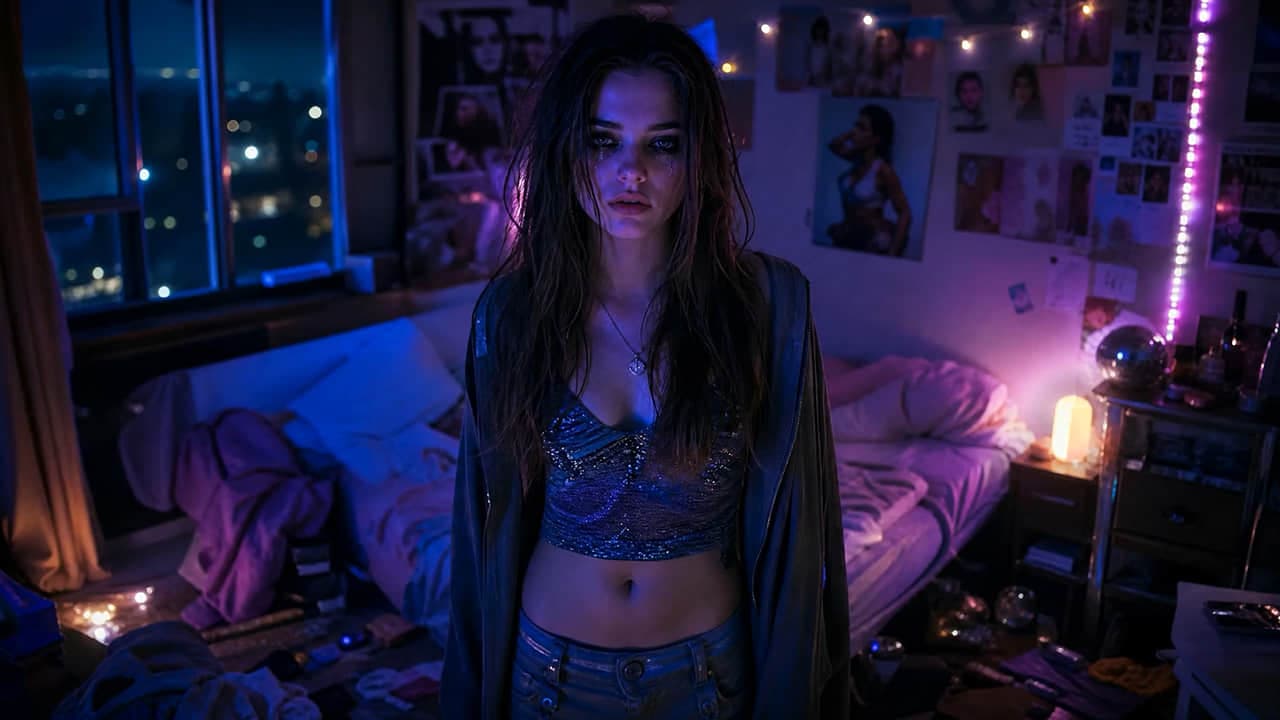
Create product photos, cinematic portraits and social visuals from a prompt or reference image. Choose an available image model, check the credit cost, and generate in your browser.

Describe the image you want. Add reference images and type @ to say how each one should be used (optional).

Text/Image to Image

How to create an image with minimax h3 image

minimax h3 image brings text-to-image, reference-based image creation and video tools into your browser. Start with a product photo, portrait, illustration or social post, then refine the result for your brief. You do not need to install a local model or ComfyUI.

Choosing the right tool matters: on this platform, MiniMax H3 is a video model. Still images are generated by the image model you select in the image tools. Check that model’s name and options before generating.

  1. 1 / 3

    Choose text or a reference photo

    Open text-to-image to create from scratch. Use image-to-image when you already have a photo, and describe what should stay the same and what should change.

  2. 2 / 3

    Write the brief and check the cost

    Describe the subject, setting, lighting, composition and style. Select an available image model, choose a supported size and ratio, then review the credit estimate. Sign in when prompted to generate.

  3. 3 / 3

    Review, refine and download

    Check faces, hands, product details and any text. Change one instruction at a time for another variation. Review completed results in My Creations and download the version that fits your project.

What can you create with minimax h3 image?

Product films
Explore the creation tools

Image prompts for products, portraits and posters

Start with a subject, then add the setting, composition, lighting and style. Copy a starter prompt into the image generator and adapt it to your brief. Results vary with the selected image model, reference and settings.

Product photography

Create a clean product scene for a campaign concept or social post.

A studio product photograph of a matte white ceramic coffee cup on a pale stone pedestal. Soft window light from the left, gentle natural shadows, warm neutral background, realistic ceramic texture. Centered composition with empty space above for a headline. No text, no logo, no extra objects.

For a real product, add a reference in a compatible image tool and check shape, color and packaging against the original.

Cinematic portraits

Explore a photographic look with specific light and framing.

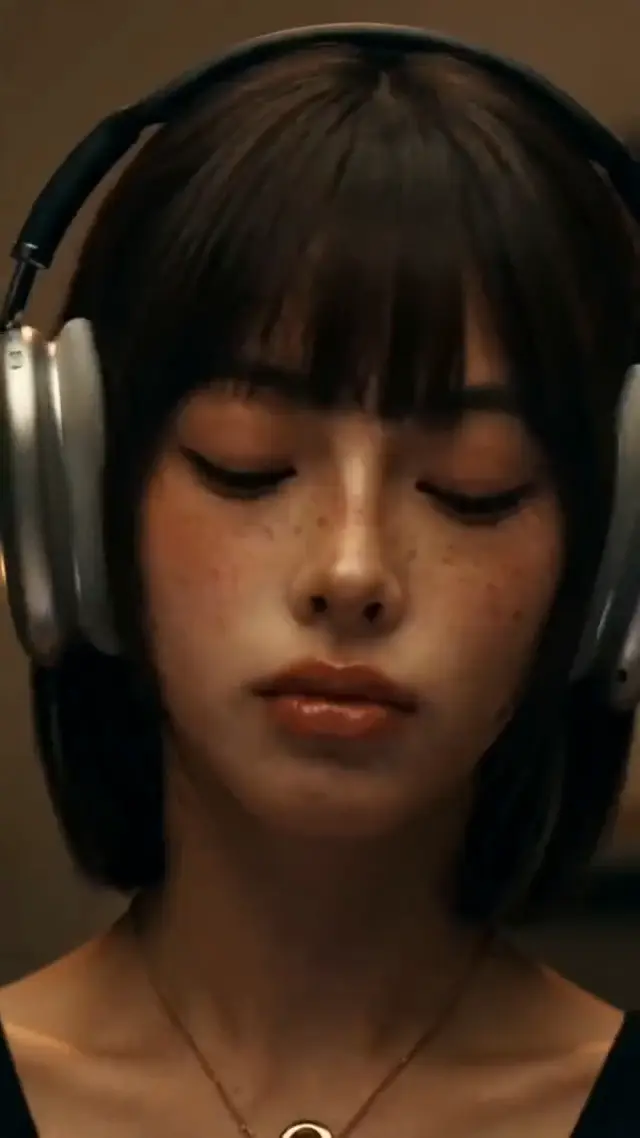
A cinematic head-and-shoulders portrait of a fictional adult by a rain-covered cafe window. Soft side lighting, natural skin texture, subtle film grain, muted blue and warm amber tones. Eye-level camera, 85mm portrait lens look, shallow depth of field, relaxed expression. No text or watermark.

Inspect the eyes, skin, hair and visible hands. Add a suitable reference when you need a recurring character; identity can still vary.

Posters and social graphics

Define the layout and leave room for text you can finish later.

A vertical editorial poster background for a summer citrus drink. One clear glass with ice and lemon slices in the lower half, a cobalt blue background, crisp daylight and a simple yellow circle behind the glass. Keep the top third empty for a headline. Clean graphic composition, no letters, no logos.

For generated titles, specify the exact words and check every letter. Add final brand text in an editor when accuracy is essential.

Explore minimax h3 image

Creative inspiration to explore.

Browse public examples and prompts for ideas. Examples illustrate creative possibilities; your results will vary.

minimax h3 image Agent

Turn a detailed brief into a creative workflow

Describe the subject, intended use and details that matter. These example conversations illustrate image and video briefs; the model and settings determine the output.

Create a 15-second vertical ad for over-ear headphones: a young woman puts them on, presses play, and the noisy world fades away as the music takes over. Intimate, moody and cinematic.

Example output

Your headphone ad is ready

15s · 9:16 · Close-up → press play → the world fades → eyes closed, lost in the music. Adjust the pacing or music direction any time.

Describe what you want to create...

Your headphone ad is ready

Tools

Choose the tool that matches your image brief.

Use text-to-image for a new visual, image-to-image for a photo variation, or image-to-prompt to describe an existing picture. Open a video tool when you want motion.

Swipe to explore more

Which image modelfits your next project?

Compare available models using the same brief. Look at prompt accuracy, reference details, readable text, output size and credit cost. Image and video models support different tasks.

  • Seedance 2.5
  • MiniMax H3 Max
  • Seedance 2.0
  • Seedance 2.0 Mini
  • MiniMax H3
  • Wan 3.0
  • Kling 3.0 Turbo
  • Gemini Omni Flash 1.1
  • HappyHorse 1.1
  • FLUX 3 Video
  • LTX-2.5 Fast
  • Wan 2.7
  • Veo 3.1
  • GPT Image 2.5 Flare
  • GPT Image 2.5 Sunburst
  • Nano Banana 2.1
  • Seedream 5.0 Pro
  • Nano Banana 2
  • Seedream 5.0 Flash
  • Qwen Image 3.0
  • Grok Imagine Image 2.0
  • Nano Banana Pro
  • FLUX.2 Pro
  • Ideogram 4.5
  • Recraft V4
  • Z-Image Turbo
  • Suno v6
  • Suno v6 Wild
  • Suno v6 Mini
  • Flow Music

What does image generation cost?

Generation uses account credits. The selected model, output size and number of images determine the estimate shown before you submit. Compare current plans and credit packs below; trial eligibility and available credits are shown in your account.

Billing cycle
Compare plans and prices

Lite

Perfect for beginners exploring AI

$9.99/ month$12.99

$119.88 billed yearly

3,000 Credits / month

Videos
~61
Images
~750
Tracks
~136
  • Access to video generation models
  • Access to image generation models
  • Music and audio creation
  • AI Agent chat
  • Commercial use rights
  • AI Workflow Infinite Canvas included

Secure checkout · cancel renewal anytime

Pro

Popular

Ideal for high-frequency creation

$24.99/ month$34.99

$299.88 billed yearly

10,000 Credits / month

Videos
~204
Images
~2,500
Tracks
~454
  • Access to video generation models
  • Access to image generation models
  • Music and audio creation
  • AI Agent chat
  • Commercial use rights
  • AI Workflow Infinite Canvas included

Secure checkout · cancel renewal anytime

Ultra

Designed for extreme production

$79.99/ month$129.99

$959.88 billed yearly

30,000 Credits / month

Videos
~612
Images
~7,500
Tracks
~1,363
  • Access to video generation models
  • Access to image generation models
  • Music and audio creation
  • AI Agent chat
  • Commercial use rights
  • AI Workflow Infinite Canvas included

Secure checkout · cancel renewal anytime

MiniMax H3 image questions, answered

How to start, which model to choose, how reference images work, and what to check before you pay or publish.

minimax h3 image is an online, multi-model workspace for generating AI images and videos. Create a new image from text, use a reference photo to explore a variation, or open a video tool for motion. The platform name and the generation model are separate: select a model in the tool to see its supported inputs, output settings and credit cost.

Your next image starts here

Start with one clear image idea

Describe your subject, choose an image model and review the credit estimate. Generate a first version, then refine the details that matter to your project.